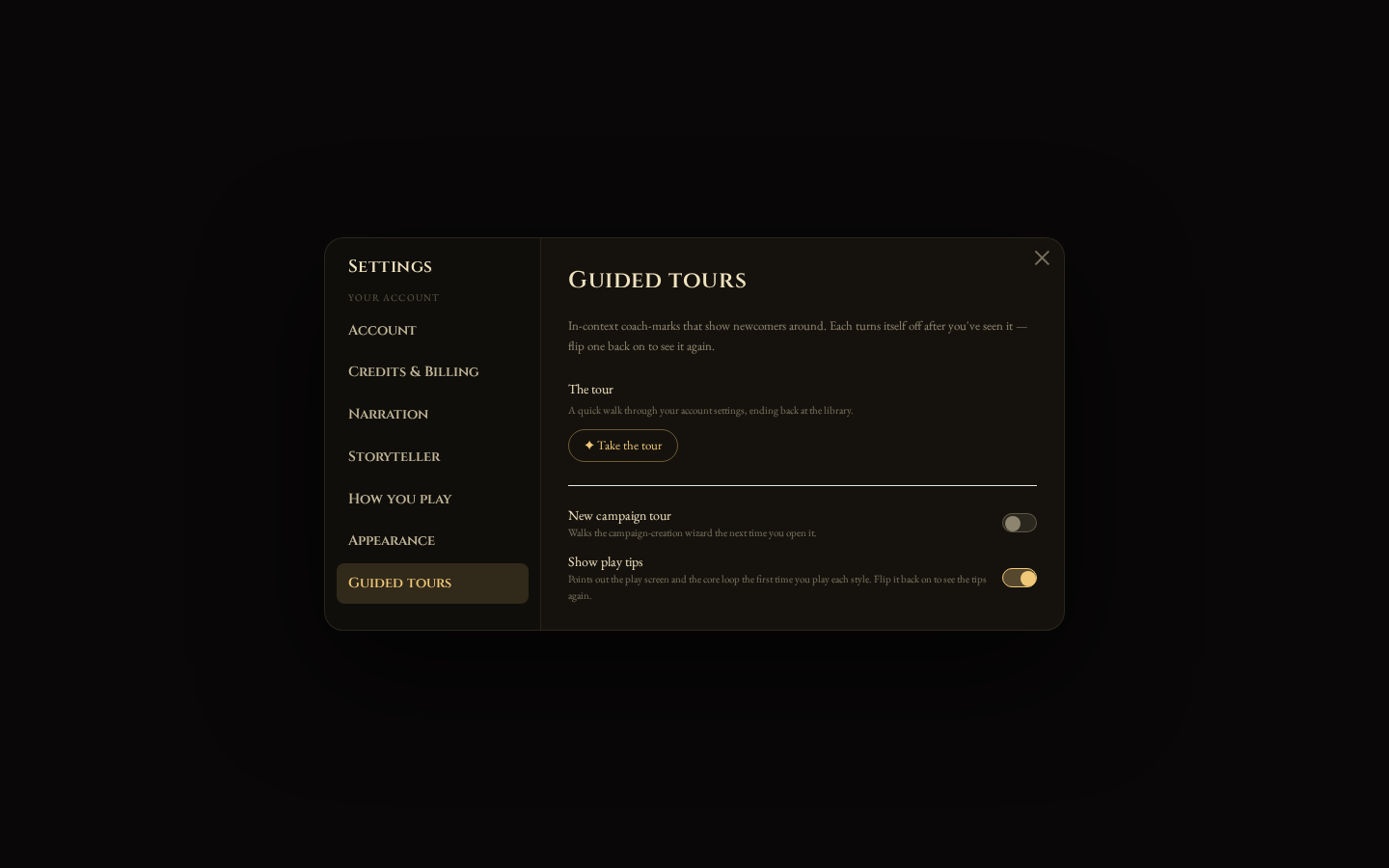
Guided Tours
New to solo RPGs — or just to Soliloquest? You don’t have to figure it out alone. The app greets you with a few short guided tours: little pointers that spotlight one thing at a time and explain what it’s for. They appear right where you are, and each turns itself off once you’ve seen it.
There are four moments they show up, and they all work on desktop and mobile.
A warm welcome
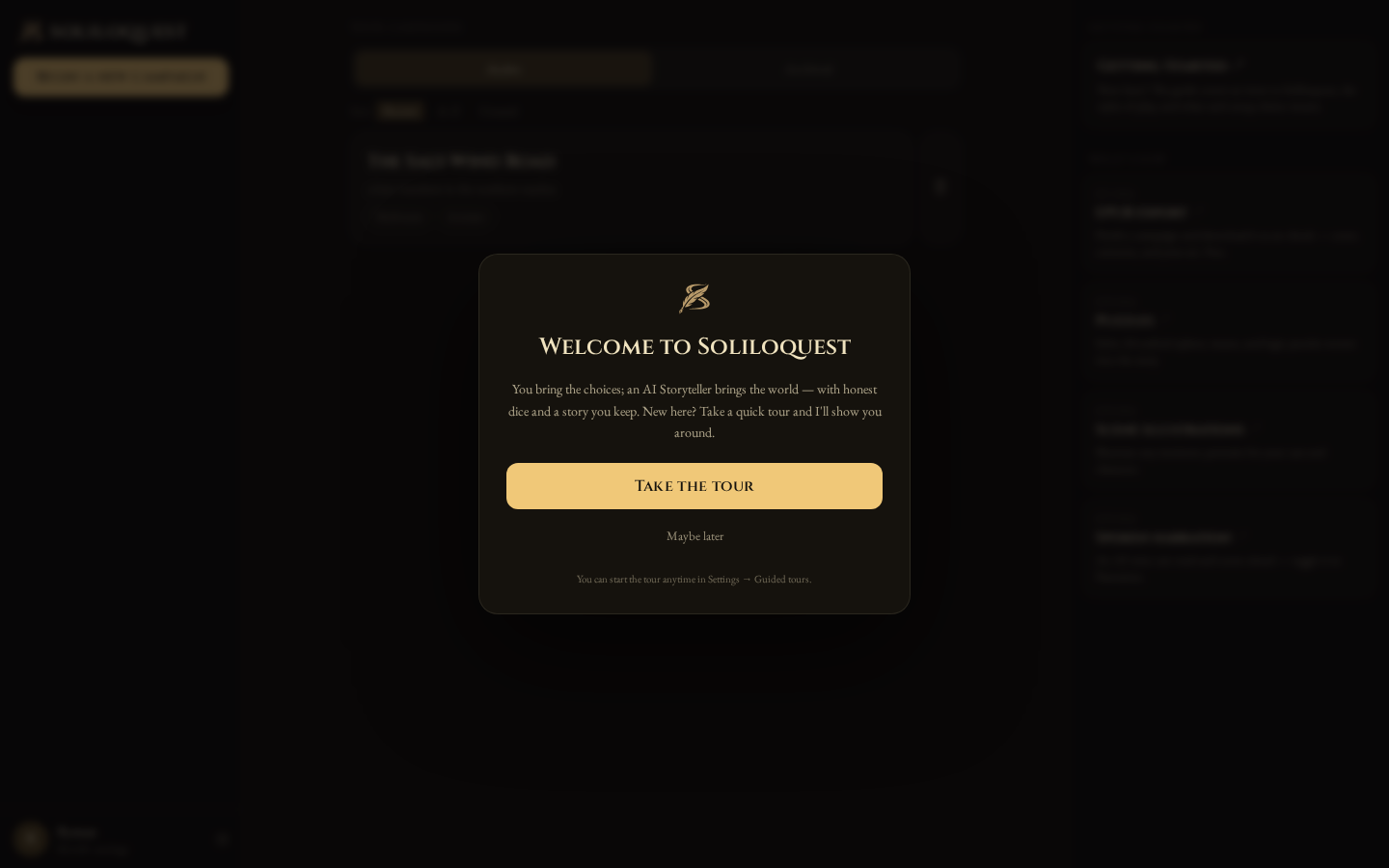
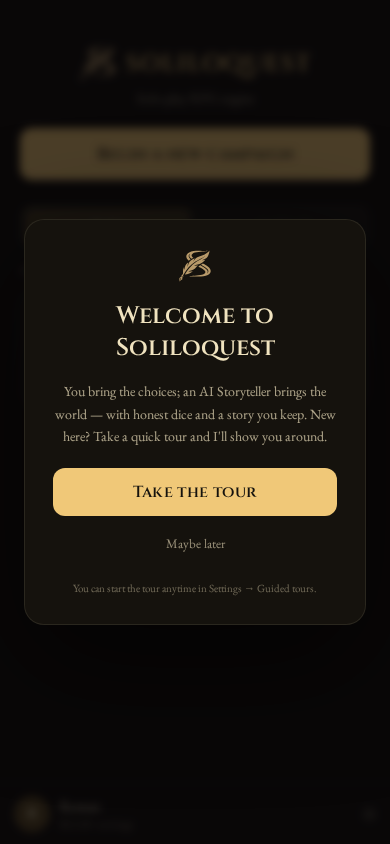
The first time you land on your library, a short welcome asks if you’d like a quick tour. Take it, or choose Maybe later — either way it won’t nag you again, and you can always start it from Settings.
On a phone:
A tour of your account
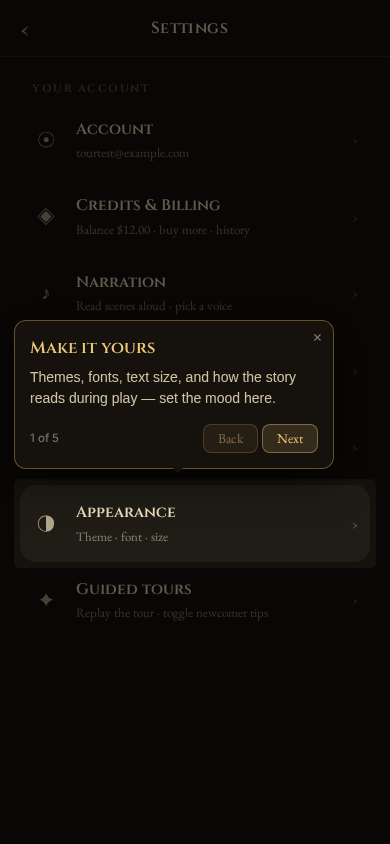
Say yes and the tour walks you through your account settings — where to set the theme and fonts, choose how you play, pick your Storyteller, turn on spoken narration, and check your credits — then leaves you back at your library, pointing at Begin a new campaign.
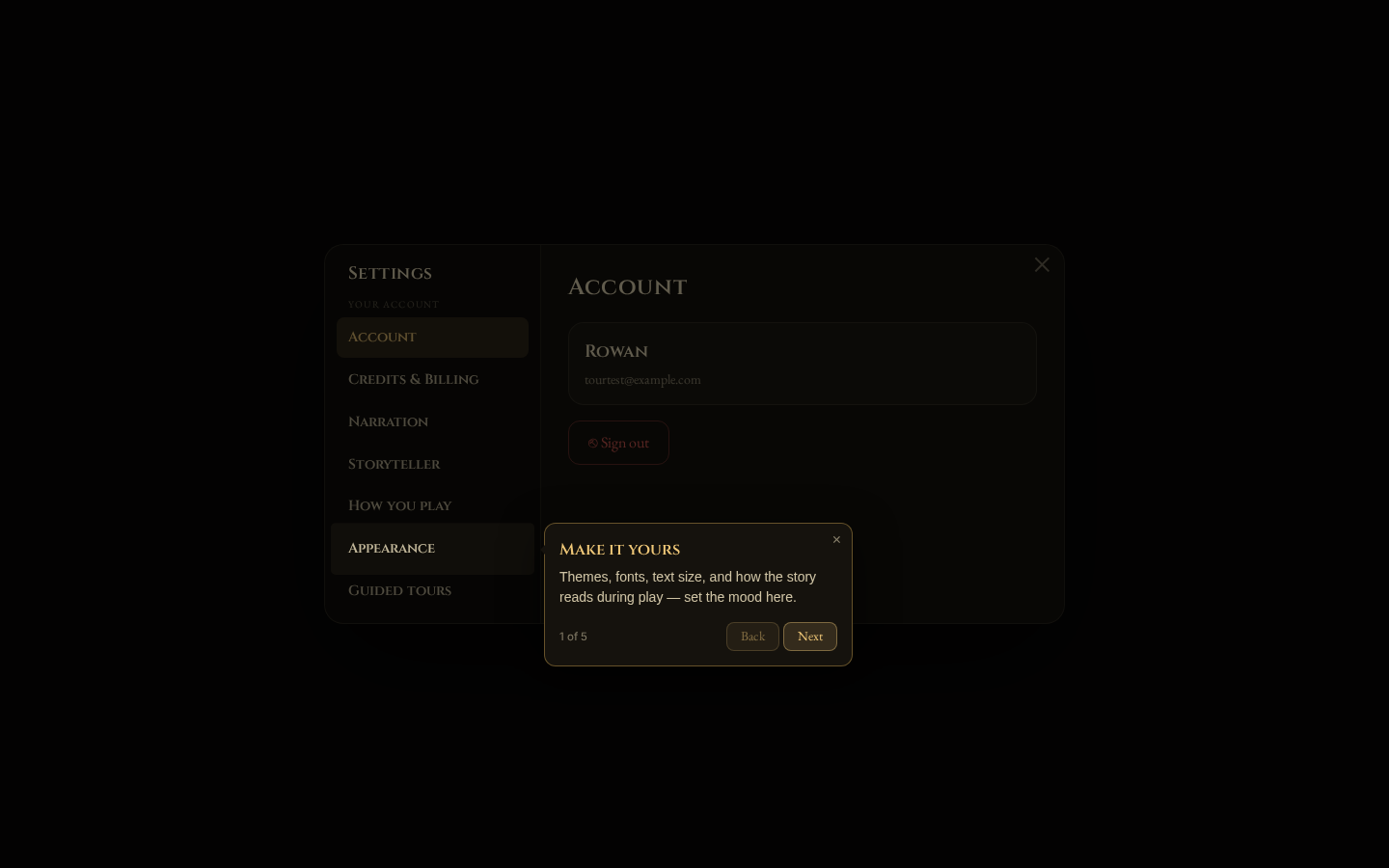
On a phone, the same stops appear as you scroll your settings:
Creating your first campaign
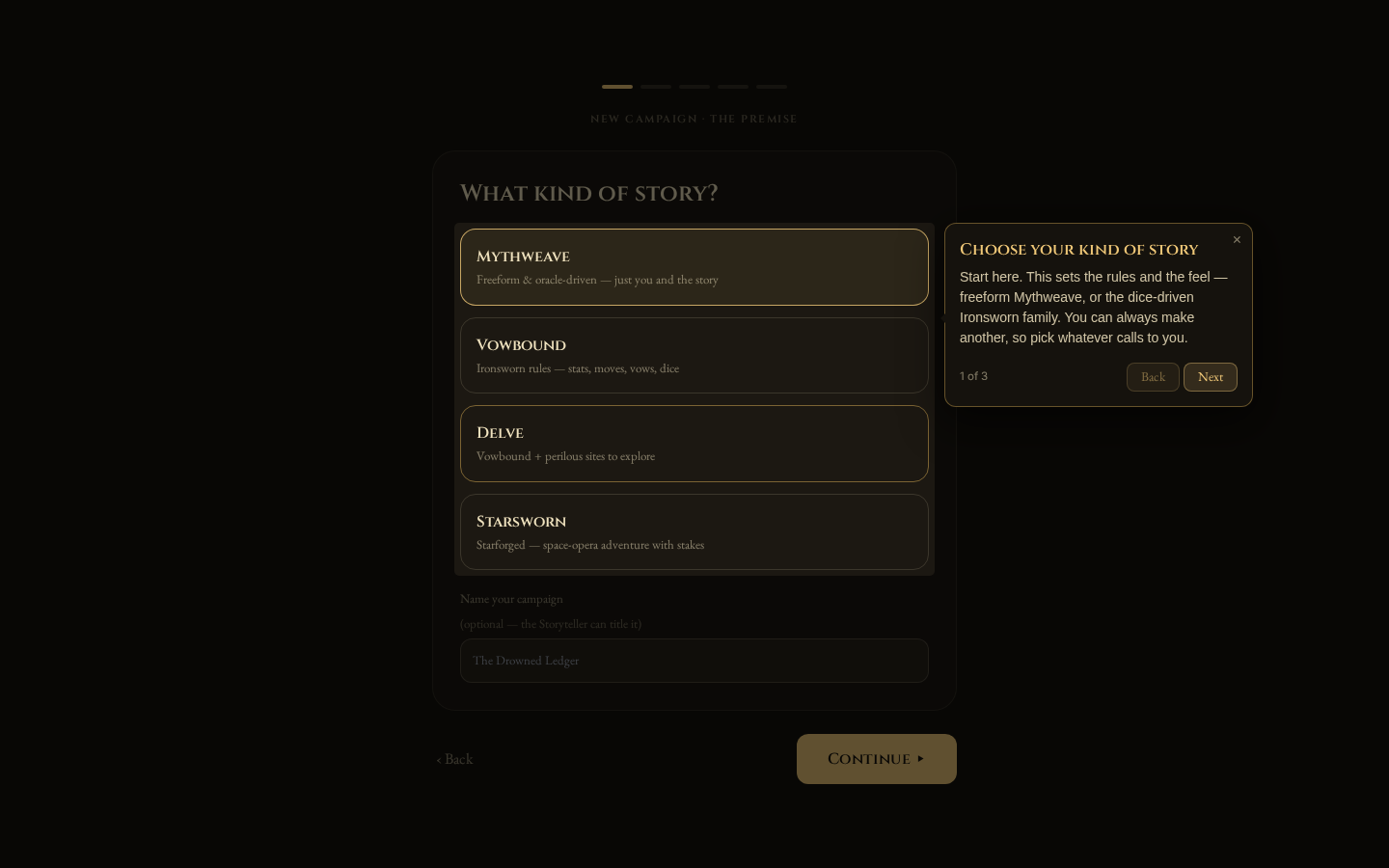
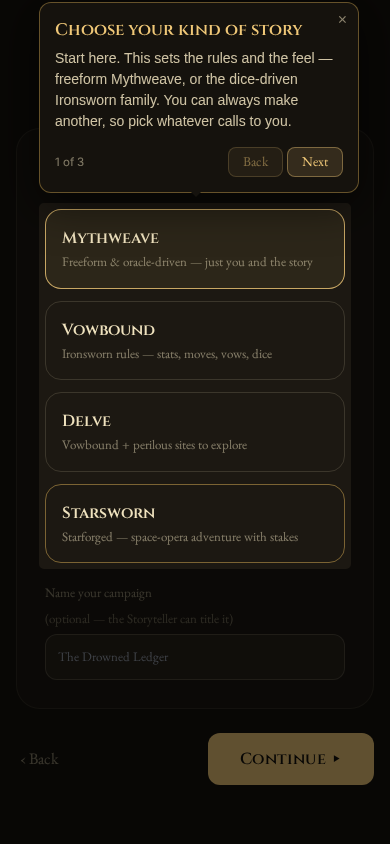
The first time you open the new-campaign wizard, a short walkthrough points out the essentials — what kind of story you’re telling, and that you can name it now or let the Storyteller title it later. Everything you choose here stays editable.
On a phone:
Learning to play
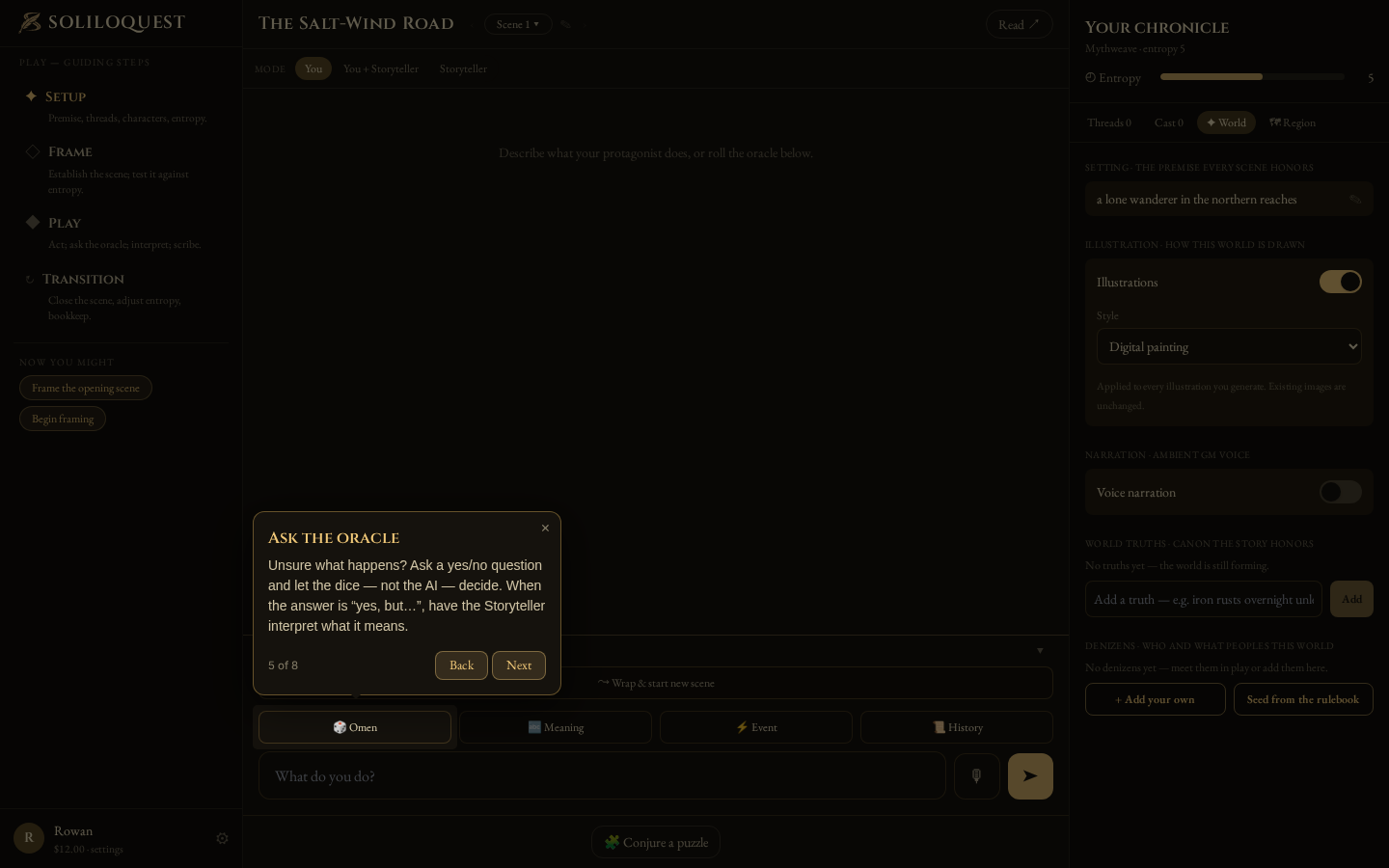
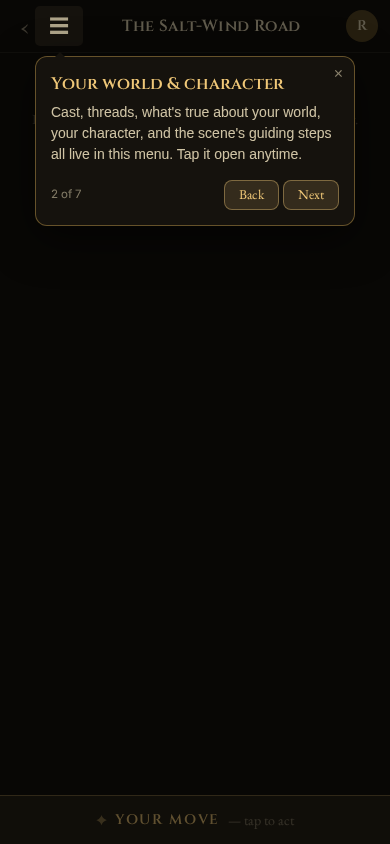
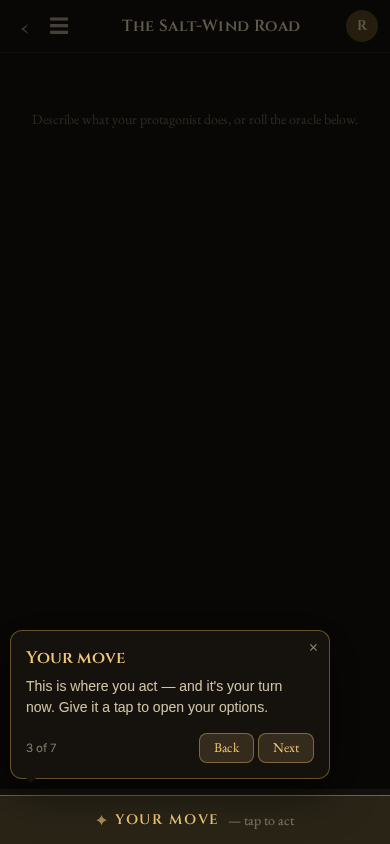
Your first time in a scene, the tips point out the play screen: where your story unfolds, where your world and cast are tracked, and where you take your turn.
In the classic “You tell the story” mode, it goes a step further — it invites you to open your options, then shows what each one does: ask the oracle a yes/no question, draw a word for meaning, roll a random event, or simply describe what you do.
On a phone the play screen is a single column, so your world, cast, and character live behind the ☰ menu — and the tour points you there first:
Replaying — or turning them off
Every tip is a one-time thing: once you’ve seen it, it stays out of your way. But if you’d like a refresher, head to Settings → Guided tours. From there you can replay the whole tour any time, and toggle the new-campaign and play tips back on — turning them on again re-arms them for every kind of campaign.